Choose your location.



Choose your location.
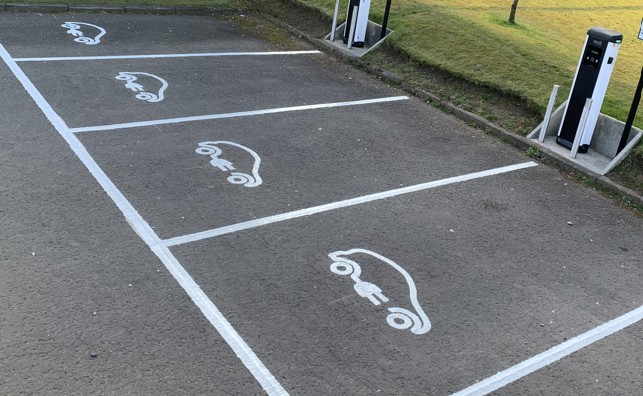
Whether you're new to electric vehicle ownership or a regular EV dri ver, this page provides everything you need to make use of the EV charging facilities available at the Beeston site.
Here you'll find information on charger locations, charging costs, how to access and use the charging service, site rules, and where to get support if you need assistance.
Our EV charging network forms part of our ongoing commitment to supporting more sustainable travel choices and improving workplace facilities for colleagues.
EV charging facilities are available at the following Beeston locations: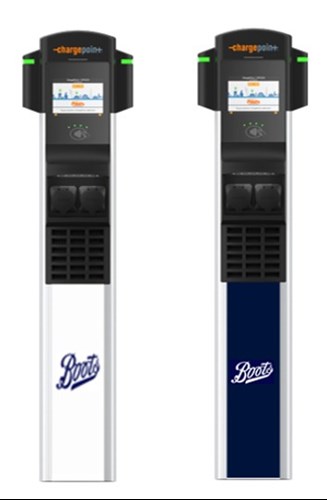
The site car park charger location map can be downloaded here.
Using the EV charging facilities is simple:
Step 1 – Registration
To use the Boots EV chargers, you must first join the private Boots EV Charging Community.
You can join by either:
Important: Even if you already have a ChargePoint account or the ChargePoint app installed, you must use the QR code or the sign-up link to join the Boots EV Charging Community.
The chargers are part of a private network and are not visible to the general public in the ChargePoint app, so joining the Boots EV Charging Community is required before you can access and use them.
Step 2 - Download the Charging App
Download the ChargePoint app from the App Store or Google Play.
Step 3 - Create an Account
Register your details and set up your preferred payment method.
Step 4 - Find an Available Charger
Use the app to locate an available charging point and view charging status.
Step 5 - Start Charging
Connect your vehicle and follow the instructions in the app to begin your charging session.
Step 6 - End Your Session
Once charging is complete, stop the session within the app and disconnect your vehicle.
A ‘How To” guide is available here.
Charging is available at a tariff of 19p per kWh, providing a cost-effective workplace charging option for colleagues and visitors.
Any future tariff changes will be communicated through FM Solutions website.
The EV charging facilities are provided for authorised site users.
The chargers are intended for:
To ensure fair access for everyone: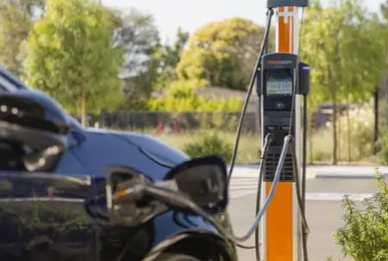
When using EV charging equipment:
Vehicle owners remain responsible for the safe operation, security and condition of their vehicles while parked on site.
What does charging cost?
Charging is currently available at 19p/kWh.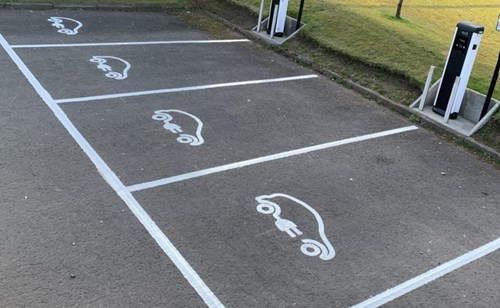
How do I access the chargers?
Download the charging app, register an account and follow the instructions provided above.
What if the charger is faulty?
The EV chargers are self-reporting and report faults to our partner directly however for support you are able to contact ChargePoint directly on 0207 519 5052
What if the app isn't working?
You can contact ChargePoint directly on 0207 519 5052
Can visitors use the chargers?
Yes.
If you experience any issues with the charging infrastructure, please contact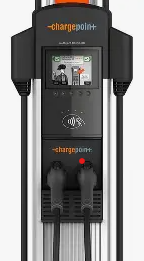 ChargePoint:
When reporting a fault, please provide:
The following documents are available to help you get started: